Posted on: 3/22/2010 By: Chris Coyier
Accordions are a UI pattern where you click on a title (in a vertical stack of titles) and a panel of content reveals itself below. Typically, all other open panels close when the new one opens. They are a clever and engaging mechanism for packing a lot of information in a small space.

Basic accordion from jQuery UI
One way to look at an accordion is like a collapsed single column of a table. I was recently building a page for a client site, where the information that they provided really made sense to present as a table. But it was too much information to view all at once. I thought it would have been overwhelming visually. I also thought that it was most likely that people visiting this page would know what they needed right away, so having them click once to get it seemed pretty reasonable. So, a table of accordions!
Another consideration in this table I was building is that there was enough columns that each individual column (should they have been equal width in the space available) wasn’t very wide, maybe 150px. Some of these cells contained several paragraphs of text. A cell 150px wide with several paragraphs of text would awkwardly tall. Hence, the Grid Accordion is born!
The Grid Accordion works with the same theory as most other accordions. Only one cell is open at a time. The big thing is that the column of the current open cell expands to a reasonable reading width.

You can view and download the example at the end of this article. I’ll go through some of the important bits next.
Read Article / Comment »
I like the submit form on Art in my Coffee. It packs a lot of features into a compact space and is clear about what you are able to do and what is required of you. But best of all, I like how the very first thing it asks of you is the hardest part [...]
Read Article / Comment »If something was working, but now it’s broken, then something changed.
Many things are the same, some are different.
This is true with anything: your watch, a remote control, even your relationships. It’s certainly true with websites. If your website used to work fine, but now it won’t load, then something changed. To fix it, you need [...]
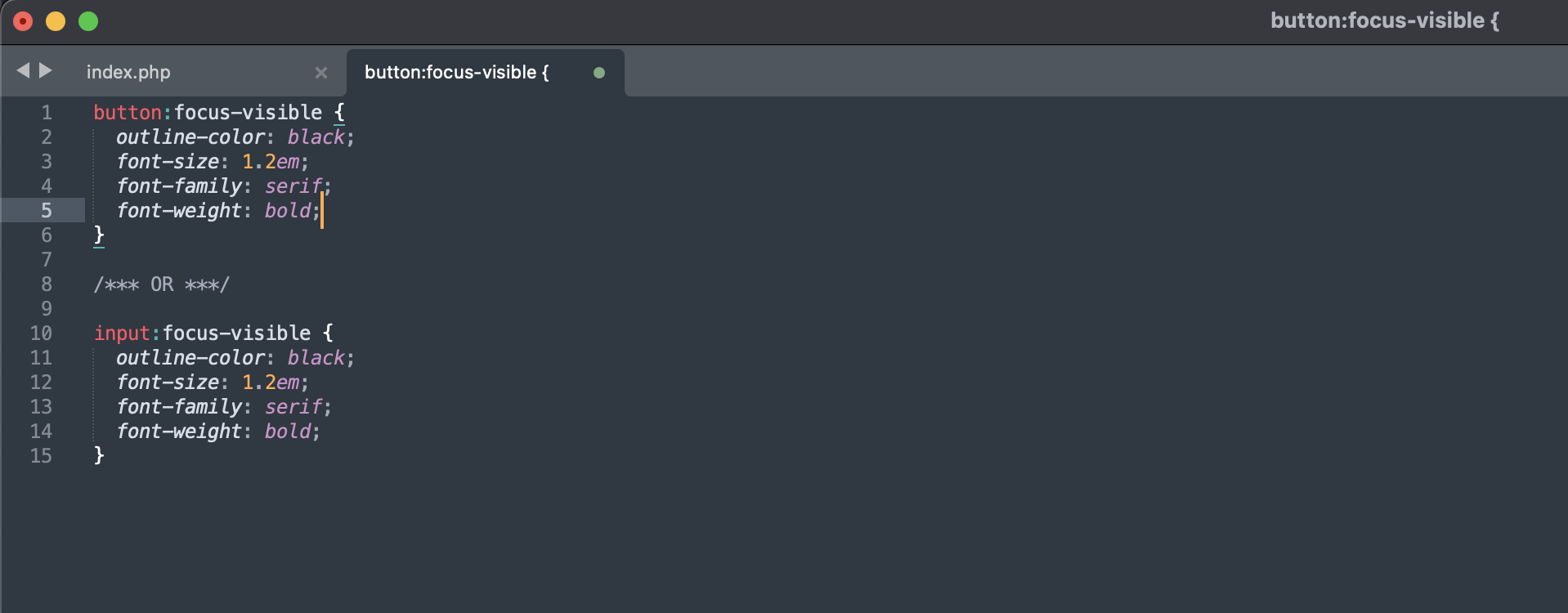
Read Article / Comment »Pseudo class selectors CSS selectors with a colon preceding them. You are probably very familiar with a few of them. Like hover:
a:hover {
/* Yep, hover is a pseudo class */
}
They are immensely useful in a variety of situations. Some of them are CSS3, some CSS2… it depends on each particular one. Outside of IE, [...]
Read Article / Comment »Back in the summer of last year, I did a little roundup I called The “Light” CMS Trend. Ironically enough, one that wasn’t included was LightCMS. I’ve been checking it out (yes, this is a sponsored review) and it definitely fits the category, with some features that set it apart.
Read Article / Comment »Roll over a link, watch the image above change. That’s what we build in this screencast, only we don’t use any JavaScript to do it. The trick is some simple z-index switching on hover and a bit of absolute positioning.
Links from Video: