treehouse : what would you like to learn today?
Web Design Web Development iOS Development

Videos

#123: If it Moves When You Click, Make Something Stick

The buttons on CSS-Tricks, at the time of this video, have a faux 3D effect. They look like a blue brick you are looking at from above at an angle. …

#122: The State of Favicons

Forever we all made 16×16 graphics and got them into the .ico format somehow. I probably used this converter tool a million times. Somewhere along the line it started to …

#121: The Right CMS is a Customized One

The perfect CMS to suite the needs of any non-trivial content-oriented website does not come out-of-the-box. They require customization. For instance, a feature article for a news site isn’t just …

#120: A Sublime Text Snippet for Media Query Mixins

I’ve never messed with creating custom Sublime Text snippets before. So when James Nowland sent one in, I took the opportunity to learn. Here it is:

<snippet>
<content><![CDATA[
@include …

#119: Let’s Answer Forum Posts! Vol. 2

In this screencast we live answer more forums posts with no planning whatsoever. I don’t think we hit a homerun on any of the threads we look at, but that’s …

#118: Introduction to CodePen PRO

CodePen PRO offers a slew of new features. You can read about them, but much better to show them right?

[Deep awesome voice]: and this is just the beginning.…

#117: Let’s Attempt To Do a “Pull Request”

I’ve never in my life submitted a “Pull Request” on GitHub. I wanted to give it a shot, so this video is capturing the moment of me attempting to figure …

#116: Let’s Answer Forum Posts!

In this screencast we pop over to The Forums to answer as many questions as we can. The point is just to have a little fun and show you how …

#115: Don’t Overthink It Grids

Even if the layout of a site is simple as a main content area on the left and a sidebar on the right, that’s a grid. There are new layout …

#114: Let’s Do Simple Stuff to Make Our Websites Faster

I present four really simple things you can do to make your websites faster. Nothing even as complex as making image sprites (which ain’t that complicated). These are all easy …

#113: Creating and Using a Custom Icon Font

As we’ve said around here many times: icon fonts are awesome. They are efficient in the same way CSS sprites are efficient: lots of images usable for different areas/purposes in …

#112: Using CodePen

CodePen is an app for sharing and playing around with front end code. I made it with some friends of mine: Alex Vazquez and Tim Sabat. In this typical ramble-ridden …

#111: Get Yourself Preprocessing in Just a Few Minutes

There is nothing to be afraid about in this brave new world of preprocessing. Native apps make it so easy that it should be a vital part of any modern …

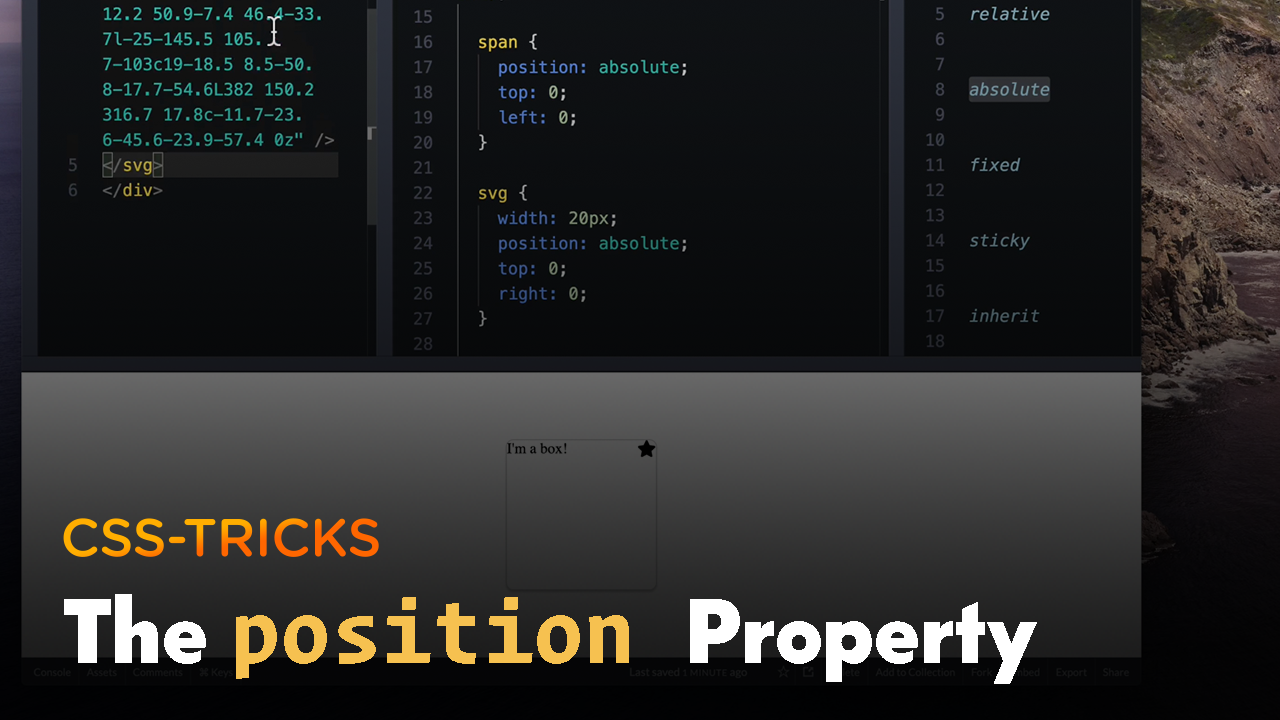
#110: Quick Overview of CSS Position Values

This is a quick beginner-level overview of the different CSS position values. In a nutshell: relative allows you to “nudge” and leaves the element’s original position in the page flow. …

#109: Getting off FTP and onto Git Deployment with Beanstalk

In this screencast I move my own personal website from my old live FTP editing ways to a proper version controlled system including deployment. I haven’t had much experience with …

#108: Using Chartwell

Chartwell is a font specifically for making simple and beautiful pie charts, bar charts, and line graphs. It’s as simple as writing out simple equations like 40+20+25+15. In desktop software …

#107: LiveReload, a Menu Bar App for Preprocessors and Speedy Development

LiveReload is a Mac-only menu bar app that is quite helpful for web developers. Just tell it to watch a specific folder, and when a file is saved, the browser …

#106: Use BrowserStack for Live Web-Based Cross Browser Testing

There are many tools for showing you screenshots of websites in different browsers to help with testing. But a screenshot is lacking in so many ways: no clicking, no hovering, …

#105: Using SpriteCow

In which I take a real example of somewhere I knew using sprites would be a good idea, create the sprite by hand in Photoshop (my preferred method), and then …

#104: Quick Tip: Use Dropbox to Make a Public URL for Anything

Just save the website from the browser (in Firefox, you get an .html file and all the resources), drop it in your Public folder, and use the right-click contextual menu …

Illustration by Alyssa Nassner